
Receipts delivered automatically
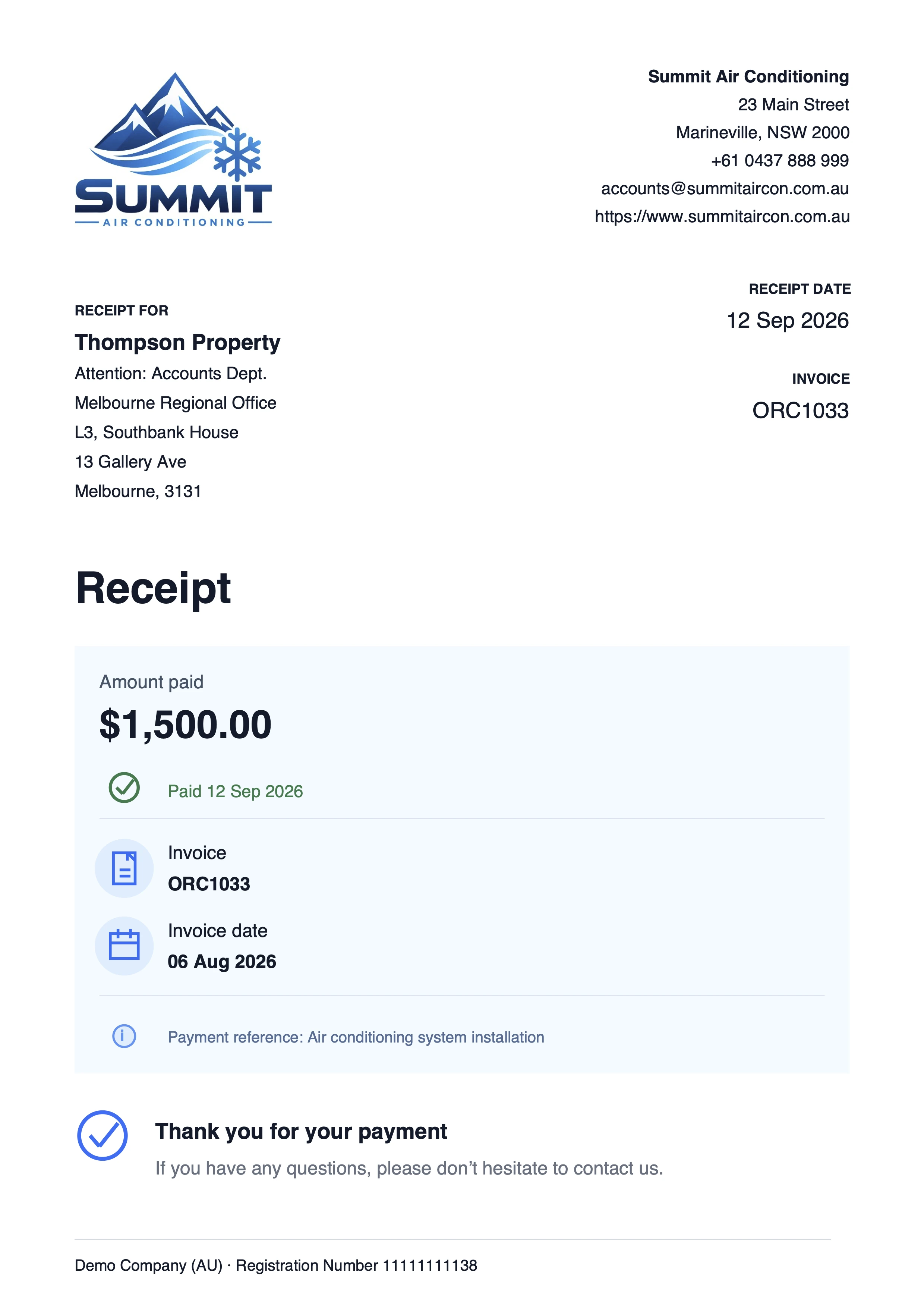
Send customers a thank-you email with a PDF receipt every time an invoice is paid in Xero – including full and part-payments, and payments recorded through bank reconciliation.
Connect AutoReceipts to your Xero organisation in just a few clicks.
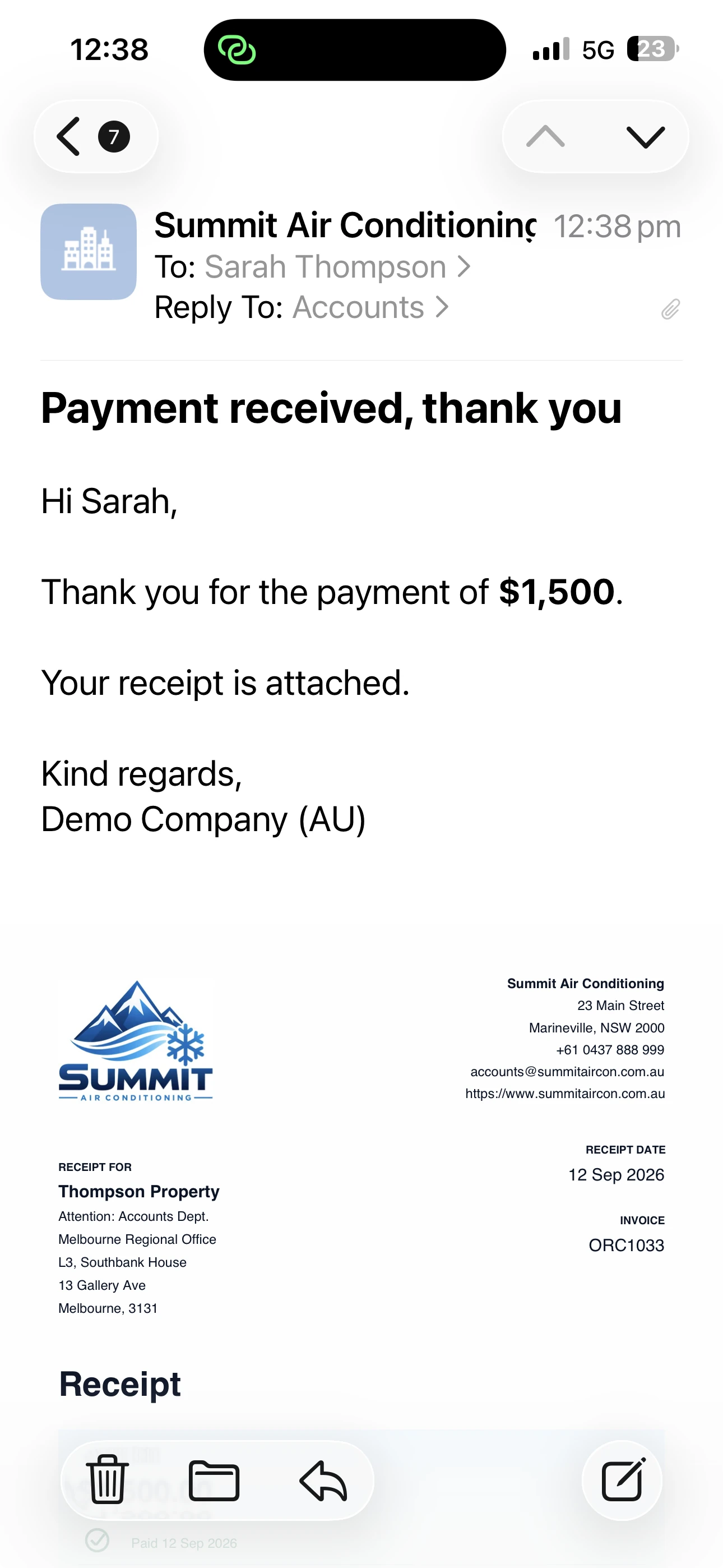
“I love the app by the way! It’s much needed in Xero.”
— AutoReceipts customer, Australia
Pricing
$20USD per month, per Xero organisation
Includes a 14-day free trial.
- ✓ Unlimited receipts and remittance emails
- ✓ Full and part-payment receipts
- ✓ Bank reconciliation payments
- ✓ PDF receipts attached automatically
- ✓ Your logo on PDF receipts
- ✓ Choose which contacts receive emails
- ✓ CC yourself on all emails
- ✓ Direct email support
FAQ
Do receipts send automatically?+
Yes.
Once connected, AutoReceipts listens for payments and sends receipt emails automatically.
There's nothing to click.
When are the receipts sent?+
AutoReceipts sends an email whenever a payment is recorded against a Xero invoice or bill, including payments added through bank reconciliation.
Emails are usually sent within 30 seconds.
Are part-payments supported?+
Yes. Each payment recorded against an invoice or bill generates its own email. If a payment is split across multiple instalments, an email is sent for each payment.
Who receives the receipts?+
AutoReceipts sends emails to the contact on the Xero invoice or bill. It can also include additional people marked to receive emails in Xero, and you can configure a Cc or Bcc address for every email.
Can I exclude certain contacts?+
Yes. Use Xero contact groups to exclude specific contacts or send emails only to selected contacts.
Does AutoReceipts make changes to my Xero account?+
No. We do not have write access to your Xero account.
Does AutoReceipts store my Xero data?+
AutoReceipts only accesses the information required to detect payments and send receipt emails.
Who’s behind AutoReceipts?+
AutoReceipts is run by Exploding Labs, an independent Australian-based software studio.
We also make two other Xero apps: AutoStatements and AutoReports.
Can I disconnect at any time?+
Yes.
In the AutoReceipts dashboard, go to Settings, Connection, and click Disconnect from Xero.
You can also disconnect in Xero itself, but using this method may take up to 24 hours to register in AutoReceipts.
Once disconnected, no further emails will be sent to customers or suppliers.
More questions? Visit Support.
Stop manually sending receipts.
Connect AutoReceipts to your Xero organisation in just a few clicks.